




Something I always emphasize when I help marketing departments is that they need to take control of their data.
And of course, that’s easier said than done.
But one way to make that task much easier is by setting up dashboards that show the most important data.
But what exactly is a dashboard?
A dashboard gives you an overview.
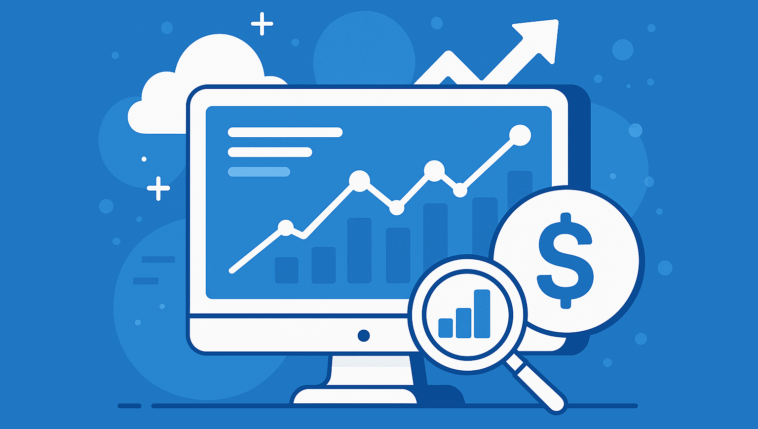
A dashboard can be used for many purposes – but it’s typically a tool that provides you with a broad overview, presenting lots of important data.
This might include revenue figures, customer satisfaction, or other KPIs that are crucial to keep an eye on.
The data can be displayed as graphs, figures, or tables, and the dashboard is often interactive so you can have multiple dashboards and dive into specific data as needed.
If you walk around the office of a large marketing department, you’ll likely see screens displaying their dashboards.
The purpose of a dashboard is to give you a quick overview so you can stay on top of things.
What should a dashboard include?
When setting up a dashboard for your marketing, it’s important that it actually helps you create clarity – and not just for the sake of the CEO, me, or your clients. It has to serve your team.
So before you start building a dashboard, you should be clear on:
- What is the purpose of my dashboard?
- Which metrics do I need to monitor?
- How many dashboards do I need? (Break them up so each dashboard has its own category – production, marketing, sales, etc.)
Once you have the above in place, you can begin creating your dashboards.
What software should I use?
There are endless options for dashboard tools. Google has its own Google Data Studio, which is decent, but not amazing when it comes to integrations and similar features.
Personally, I use “Dashthis” unless it needs to be really advanced.
In that case, I combine Google Sheets with Google Data Studio and other systems that are easy to integrate, but offer more detailed data.
The reason I love Dashthis is that it’s super easy to set up for myself – and incredibly easy when I need to report to my clients.
You can build your own dashboards, but there are also a wide range of templates available (which I highly recommend starting with).
But how does all this actually help our company?
Why dashboards can improve your results
By constantly having a clear overview of my marketing initiatives, I immediately spot if something needs adjustment.
If a campaign is underperforming or something looks off.
A good dashboard gathers data from multiple sources (Google, Facebook, your website, etc.) and helps both you and me plan marketing initiatives far more effectively.
So if you’re not already working with dashboards, I highly recommend starting.
And if you need help setting one up, just send me a message. It’s one of the first things on my checklist when I help businesses with their marketing.




Comments